
Opposing aims
Give each side objectives and a reason to keep fighting. Use commanders and political limits to put a human face on the conflict.
Strategy, pressure and human stakes
A city holds its gates. A supply route falters. Rival commanders weigh their next move. Prepare a strategic conflict the characters can influence.
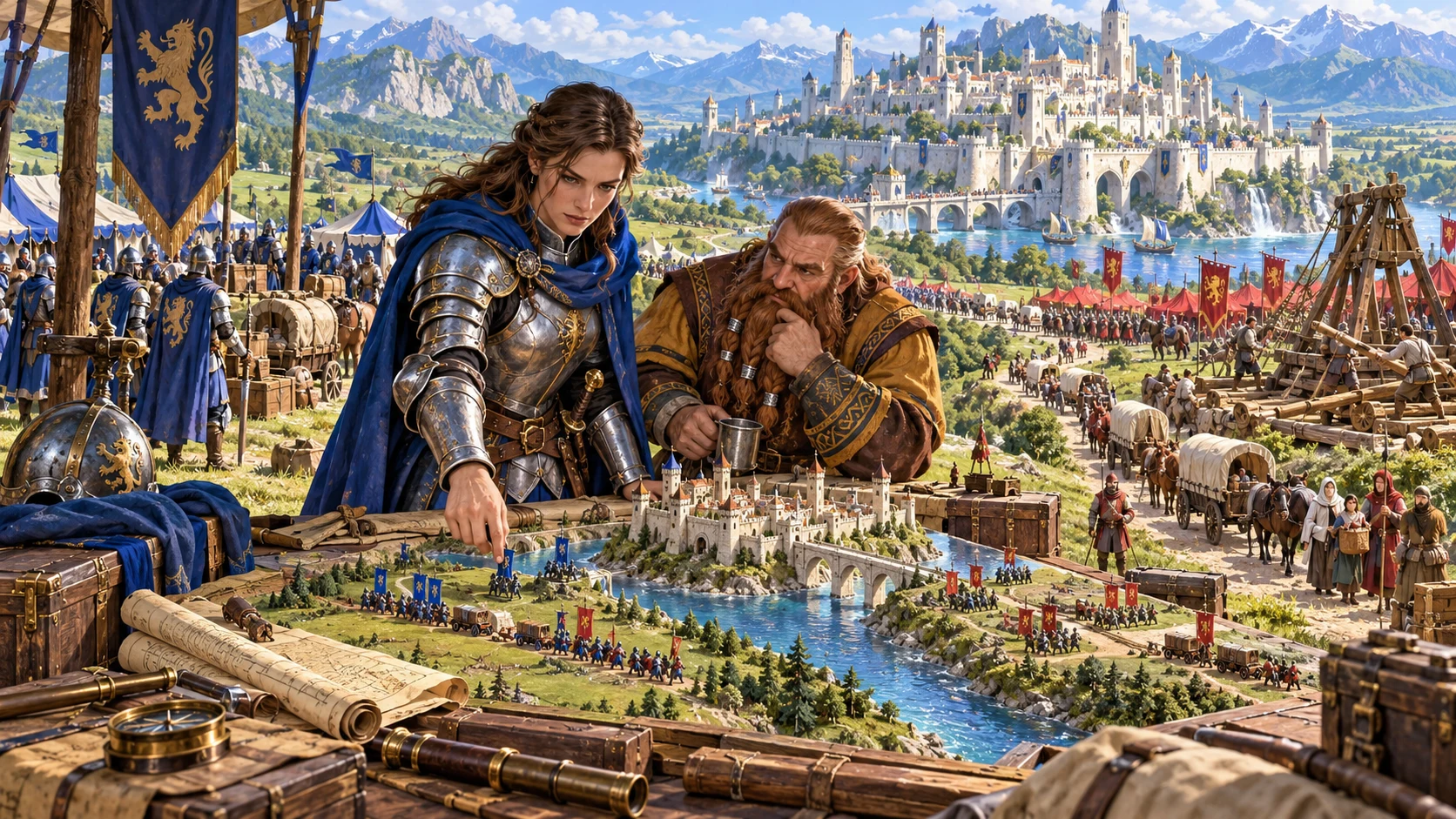
Conflict at campaign scale
A strategic dossier connects the struggle on the map with the decisions at the table.
Give each side objectives and a reason to keep fighting. Use commanders and political limits to put a human face on the conflict.
Fronts, strongpoints and routes create places the characters can influence. Develop the locations that matter to your campaign.
Supply, morale, civilians and diplomacy help make the war more than a sequence of battles.
Use turning points, missions and possible aftermaths as preparation. The table decides which possibilities become events.
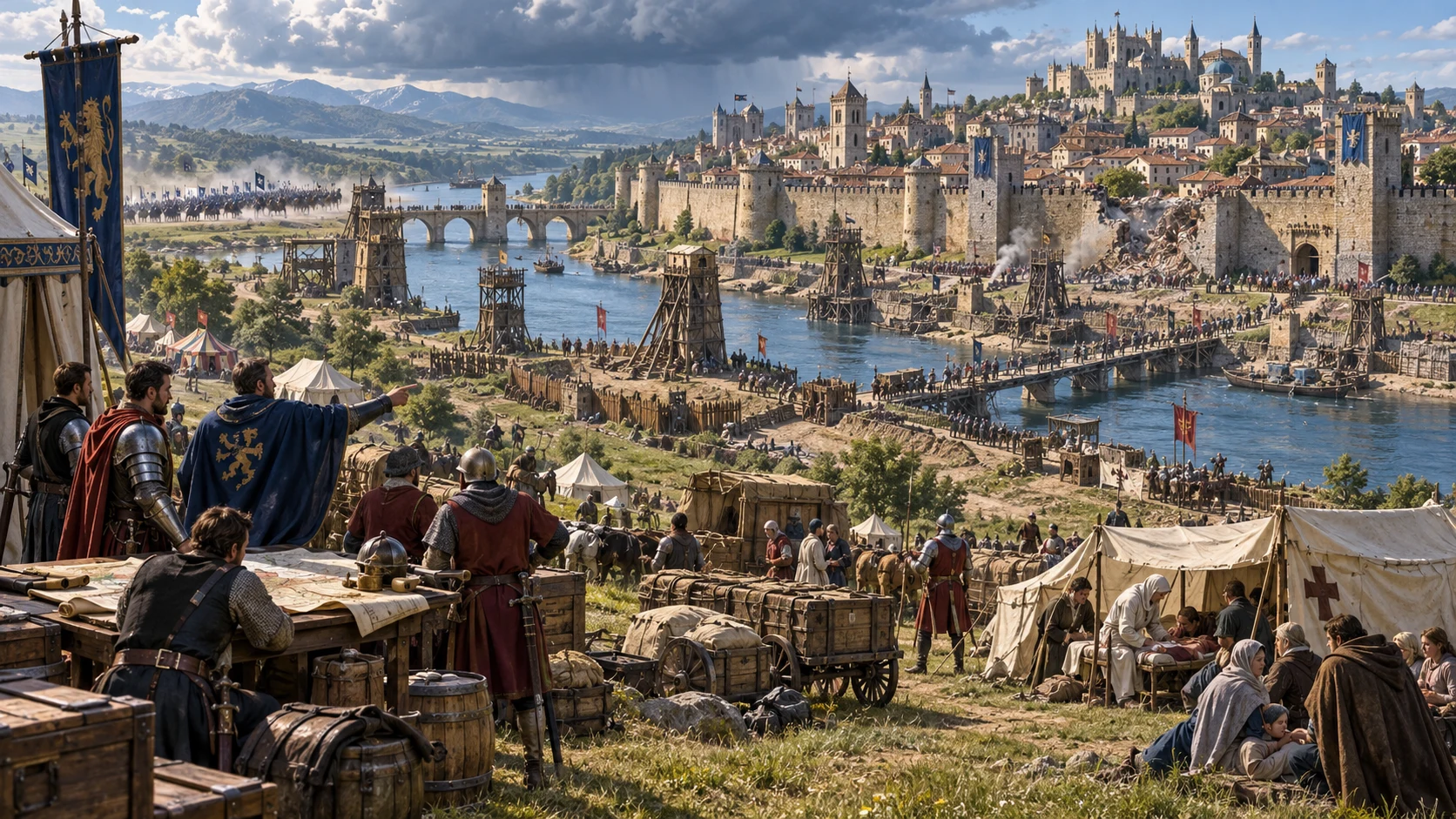
Plan the wider struggle
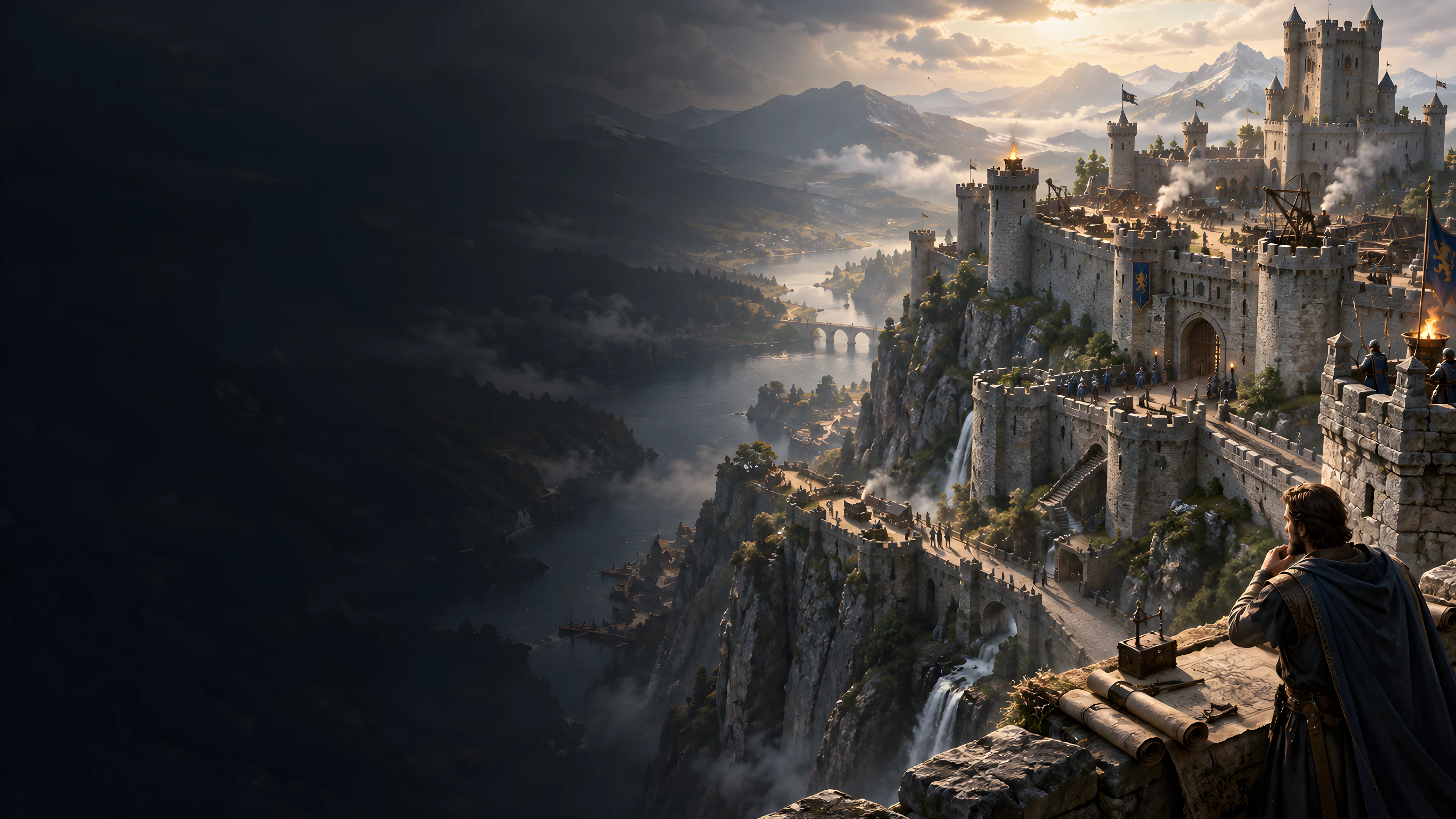
The editorial illustration represents strategic siege preparation, not an application screen.
Give the conflict causes, aims and commanders. Describe its contested fronts, supply lines and civilian concerns.
Use the dossier as a campaign reference. Review the connections and develop the choices that matter to the party.
From a premise to campaign preparation
Prepare a strategic reference, then adapt its details to the people and places already in your world.
Choose the belligerents, war type, scale and current phase, with an optional seed.
Use Deep controls for causes, objectives, terrain, force quality, commanders, supply, morale and diplomacy.
Review fronts, strongpoints, logistics, civilian exposure and proposed tactical scenes together.
Save a useful revision to your account. Review the player strategic brief and update related details before sharing.
Your strategic toolset
Keep causes, fronts, pressures and campaign opportunities in one desktop workspace.
Prepare a general war, single siege, border war, civil war, invasion, rebellion or raid campaign.
Set belligerents, causes, objectives, commanders and abstract force profiles for your campaign.
Describe contested places and routes. Edit the front list, change its order or reroll an individual front.
Bring logistics, seasonal pressure and command strain into written planning notes alongside military aims.
Describe fortifications, siege works, breaches and civilian exposure without calculating army casualties.
Create turning-point, supply-crisis or breakthrough variants, then review the connected details before saving.
Save, search and duplicate conflicts. Reopen prior versions to keep useful campaign preparation together.
Review the player brief, copy or download JSON, print the current view, or prepare one selected tactical scene in Combat PRO.
Different forms of conflict
Seven strategic modes provide starting points for different kinds of pressure.
Build a wider struggle with opposing sides, multiple fronts and political objectives.
Focus preparation on a defended place, siege works, supply and civilian concerns.
Develop contested territory or divided loyalties with commanders and competing aims.
Prepare changing pressure from an advancing force, an uprising or a campaign of raids.
Keep preparation adaptable
The front editor and strategic JSON let you develop useful material between sessions.
Adjust the dossier to fit your world. Review names, locations and references before saving.
Locks protect individual front rerolls. Generating again and some wider variants can replace locked fronts.
Turning-point, supply-crisis and breakthrough variants revise selected parts of the brief. Review related sections afterwards.
Search saved dossiers, duplicate a record and reopen up to ten prior versions. Opening restores recorded front locks, but not the input controls.
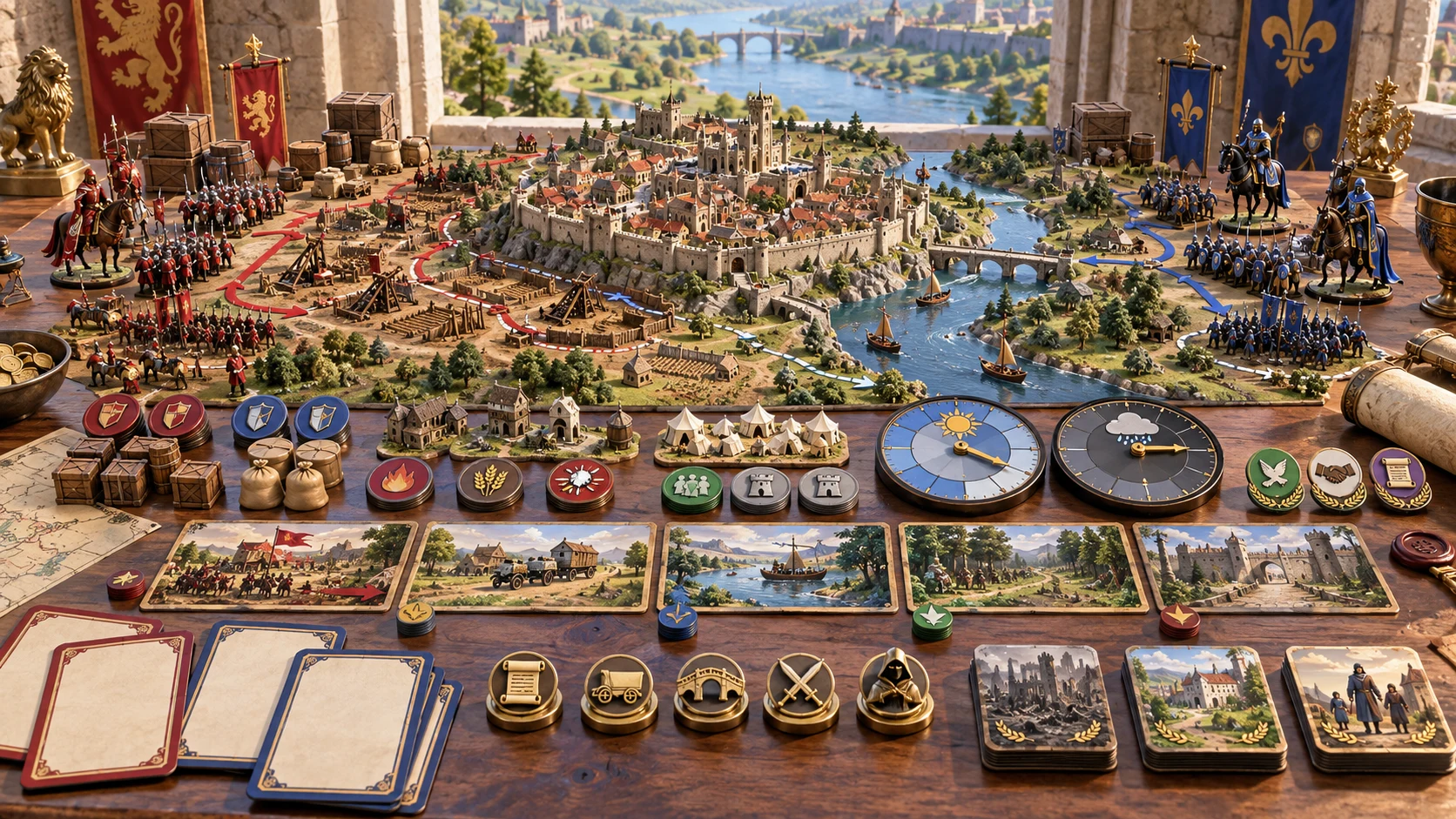
The strategic dossier
Read the conflict, causes, opposing aims and commanders alongside abstract forces and current advantage.
Fronts, supply, morale, fortifications and civilian concerns give you campaign context.
Develop missions, turning points and possible aftermaths. Copy or download JSON and print the current view.
Campaign judgement stays with you
Use the strategic notes to support play while deciding how the world responds.
Force profiles describe the conflict. They do not transfer armies or calculate strategic casualties.
Review supply, morale, front details and diplomatic terms in the player summary. Decide what the party should know.
Prepare one selected battle or assault in Combat PRO, then add suitable creature statistics and review the encounter.
Resolve events through play and update the war dossier yourself. Combat PRO results do not synchronise the strategic conflict.
Choose your generator access
The current USD catalogue lists War & Siege Generator as available. Review the current account offer when choosing access.
Choose War & Siege Generator as your selected standalone generator for US$1.99 per month.
Select this generator within an eligible pack. Pack capacity and current pricing are shown in your account.
Combat PRO, Battlemaps and image-credit products have their own access arrangements. They are not included automatically.
Create a free account, choose the required generator access and use Desktop Command Centre on Windows.
VISINVOKE means value
A focused specialist tool for the wider campaign.

Keep commanders, military aims and civilian pressure in one strategic reference.
Use fronts and strongpoints to develop missions and negotiations for the party.
Save useful dossiers, duplicate ideas and return to previous versions.
You decide what happens and which possible aftermath becomes part of the campaign.
Build your tabletop toolkit
Each card opens its own product website. Review purpose and access separately; related products do not promise included access or automatic synchronisation.
Open your VISINVOKE tools from the Windows desktop.
Prepare the defensive place at the centre of a siege.
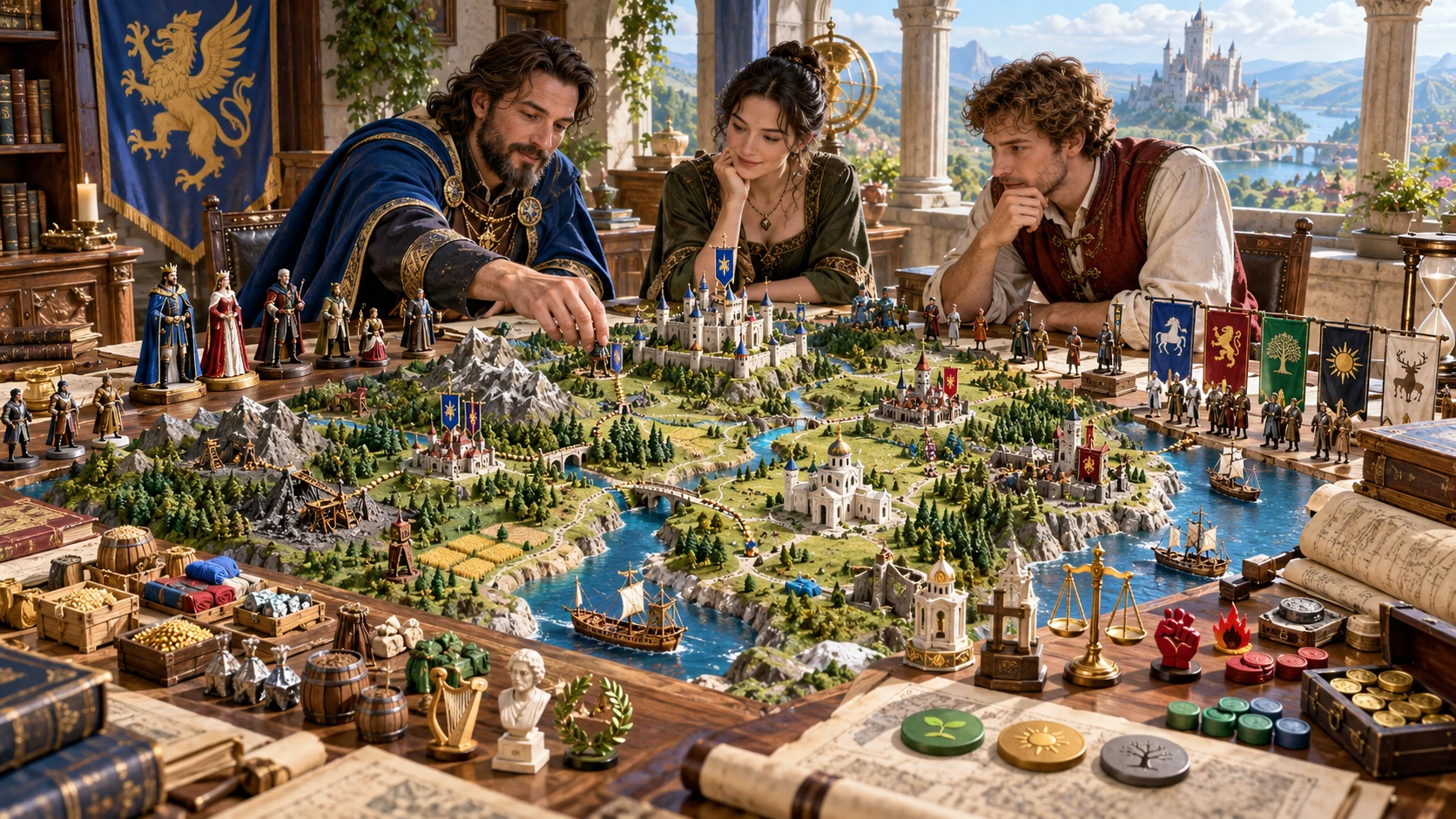
Develop the political setting around the conflict.
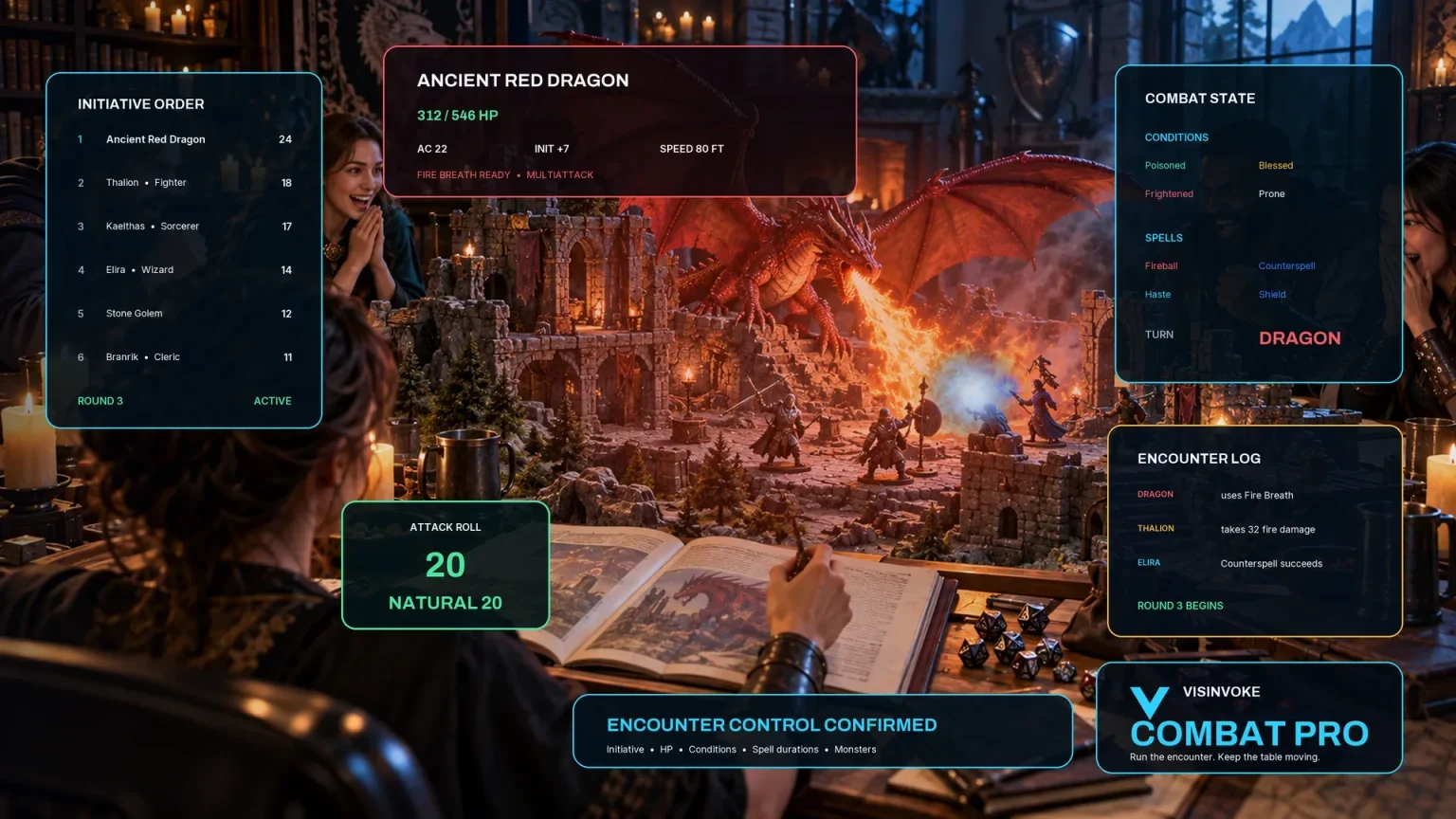
Review a separately prepared tactical encounter.

Explore a separate collection of adventure environments.
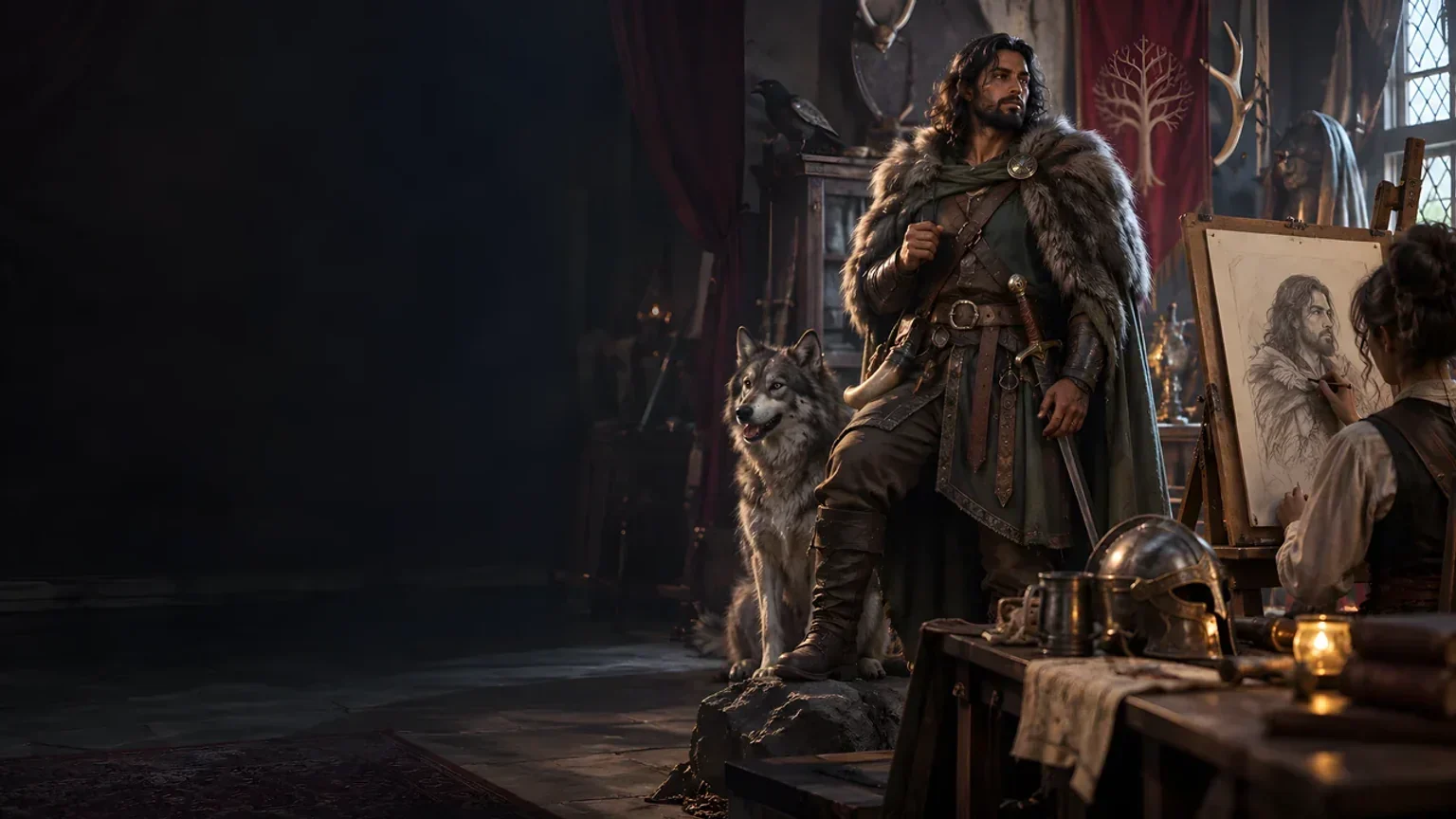
Explore separate fantasy image creation.
Product artwork illustrates fantasy campaign preparation, not application screens or actual generated image output.
Quick answers
Understand access, revisions, player copies and tactical preparation.
No. The generator creates written strategic preparation: sides, objectives, fronts, logistics, morale, missions and possible outcomes. The Dungeon Master decides what happens through play. It does not simulate armies or calculate casualties.
US$1.99 per month covers one selected standalone generator. War & Siege Generator is also selectable through eligible generator packs. A VISINVOKE account and the required generator access are needed. Combat PRO and image-credit products are separate.
Quick begins with belligerents, war type, scale and current phase. Deep adds causes, objectives, terrain, technology and magic, force quality and size, commanders, supply, morale, front count, siege presence, civilian exposure and diplomacy. Quick retains your advanced settings.
Yes. Save dossiers to your account, search by name, type or scale, duplicate a record and reopen up to ten prior versions. Opening a dossier restores its recorded front locks, but not the input controls. Review and save each revision yourself.
Review the summary, objectives, front details, supply and morale information, and proposed diplomatic terms. Separate Dungeon Master secrets are omitted, but you decide what the party should know. Update related references and summaries after variants before sharing.
One selected battle or assault can be prepared as a new Combat PRO record with an abstract zone, objective, context note and opposition reference. Add suitable creature statistics and review the encounter there. Armies, strategic casualties and graphical maps are not transferred. Record results in the war dossier manually; Combat PRO access and available account encounter capacity are required.
Continue in VISINVOKE
Create a free VISINVOKE account and choose the required generator access.
Get Desktop Command Centre from your account installer page. Sign in on Windows, then open War & Siege Generator.